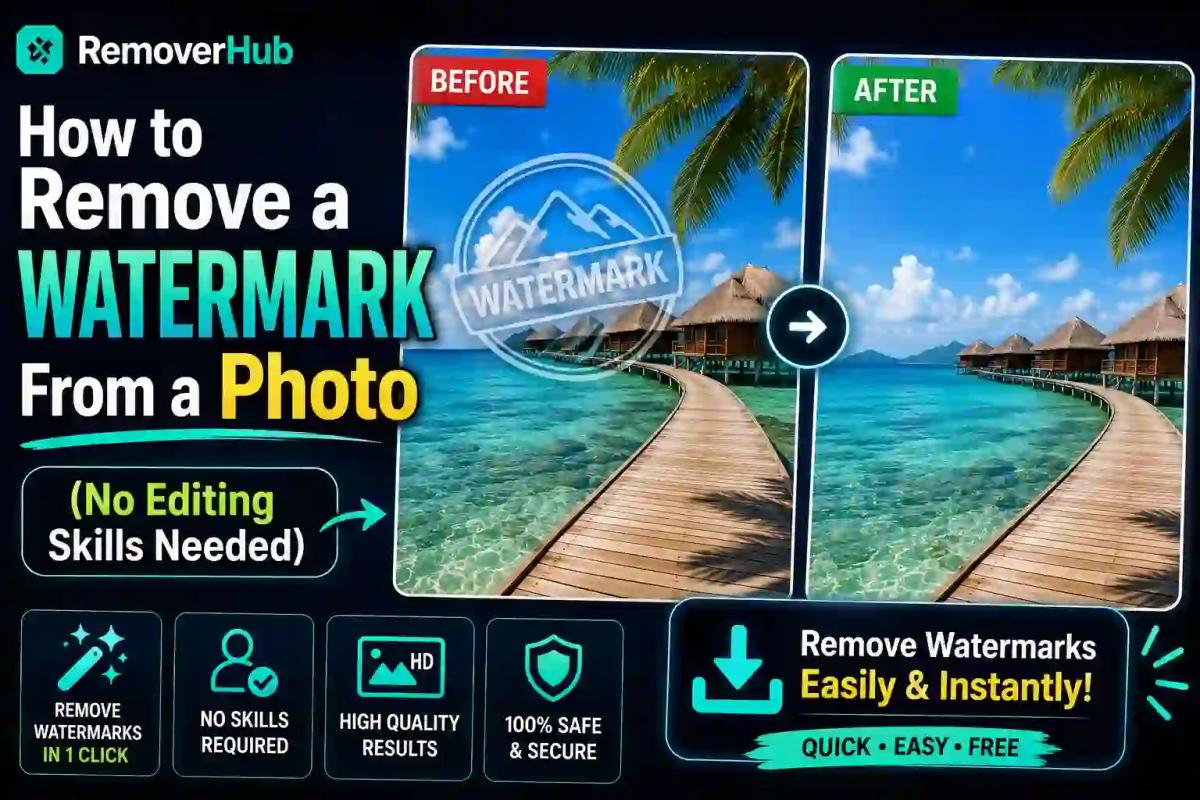
How to Remove a Watermark From a Photo (No Skills)
Watermarks show up on photos for good reasons — they protect ownership, mark drafts, or come from an old export setting you forgot to turn off. But when it's your own photo, your own product shot, or an old family picture with a date stamp burned into the corner, that watermark becomes nothing but clutter. The problem is, most people assume removing it means opening Photoshop, learning the clone stamp tool, and spending an hour fighting with pixels.
It doesn't have to work that way anymore. AI-powered tools can now detect a watermark, logo, or stamp on a photo and remove it automatically, rebuilding what was underneath in seconds. In this guide, we'll walk through exactly how that works, when it's appropriate to use, and how to do it yourself without any design skills at all.
What Counts as a Watermark, and Why People Need to Remove Them
A watermark isn't always a big diagonal "SAMPLE" stamped across an image. It can be a small logo in the corner, a semi-transparent overlay, a date stamp from an old digital camera, or even a username tag added by an app before sharing. Common, legitimate reasons people need to remove one include:
- Cleaning up your own product photos before uploading them to your store
- Removing an old camera's date/time stamp from a treasured family photo
- Taking down your own logo or watermark from a draft version of your own design
- Removing a placeholder watermark from an image you've since purchased the full license for
- Cleaning up a screenshot of your own content that picked up an app's branding overlay
Where this gets tricky is copyrighted material that belongs to someone else. Stripping a watermark off a stock photo or another photographer's work without a license isn't something any tool — or this guide — is meant to help with. We'll come back to that distinction later, but it's worth being upfront about it now.
Why Photoshop Isn't the Easiest Option for This
Traditionally, watermark removal meant using Photoshop's Clone Stamp or Content-Aware Fill tools — techniques that sample nearby pixels and manually "paint over" the watermark area. Done by a skilled retoucher, this can look flawless. Done by a beginner, it often leaves a smudged patch, a warped texture, or an obviously edited spot right where the watermark used to be.
The bigger issue is time and skill. Content-Aware Fill still requires you to manually select the watermark area first, and it doesn't always guess correctly what should fill the gap — especially over detailed backgrounds, faces, or patterns. For a single quick photo, opening a full desktop editor and relearning these tools is a lot of friction for what should be a simple task.
How AI Watermark Removal Actually Works
Modern AI tools use a technique called image inpainting. In plain terms, the AI has been trained on millions of photos and has learned what realistic textures, patterns, and backgrounds typically look like. When you mark or the tool detects a watermark area, the AI doesn't just blur it out — it predicts and generates new pixel data that blends naturally with the surrounding image, based on everything it has learned about how real photos look.
This is a very different process from Photoshop's manual clone stamp, which simply copies pixels from elsewhere in the same photo. AI inpainting can reconstruct texture and detail even in areas where there's nothing nearby to "clone" from, which is why it tends to produce cleaner, more natural-looking results with far less manual effort.
How to Remove a Watermark From a Photo Using RemoverHub
Here's the entire process using RemoverHub's Watermark Remover, step by step:
Open the watermark remover tool. Head to RemoverHub's Image Watermark Remover in your browser — no downloads or installations needed.
Upload your photo. Drag and drop your image, or select it from your device. Most common formats like JPG, PNG, and WebP are supported.
Mark the watermark area (if needed). Depending on the tool, you may lightly highlight the watermark region so the AI knows exactly where to focus its reconstruction.
Let the AI process the image. Within seconds, the tool analyzes the surrounding area and rebuilds it, removing the watermark and blending the result naturally.
Review the result. Zoom in on the edited area to confirm the texture and detail look consistent with the rest of the photo.
Download your cleaned photo. Save it in your preferred format, ready to use immediately.
That's the whole process — no layers, no selection tools, and no prior editing experience required.
Removing Different Types of Watermarks
Not every watermark looks the same, and RemoverHub's toolset reflects that with a few specialized tools worth knowing about:
Logo watermarks. If what you're removing is specifically a brand logo rather than a text overlay, the Logo Remover tool is built to detect and cleanly erase logo-shaped marks from an image.
Date and time stamps. Older digital cameras often burned a date stamp directly into the corner of a photo. The Date Stamp Remover is designed specifically for this common restoration task, which is especially popular for cleaning up old family photos.
Text overlays and captions. For watermarks that are actually blocks of text — like a username or a "draft" label — the AI Text Remover identifies and removes text-based overlays while reconstructing the background underneath.
Emoji or sticker overlays. If a photo has an emoji or sticker added over part of the image (common with screenshots from messaging apps), the Emoji Remover handles that specific case.
Picking the right specialized tool for the type of mark you're removing generally produces a cleaner result than using a general-purpose tool for everything.
What About Watermarks on Video?
Photos aren't the only place watermarks show up — video content picks up logos, app branding, and platform tags constantly, especially when reposting or repurposing your own clips. If you're working with video rather than stills, RemoverHub's guide on removing watermarks from photos and videos covers the same principles applied to moving footage, and the dedicated piece on removing logos from video without blurring addresses one of the trickiest parts of video watermark removal: keeping quality intact.
Common Mistakes People Make When Removing Watermarks
Even with an easy tool, a few habits make the difference between a clean result and an obviously edited photo:
- Not zooming in to check the result. Always review the edited area at full resolution before saving, especially over busy backgrounds like grass, water, or patterned fabric.
- Compressing the image afterward. Saving a cleaned photo as a heavily compressed JPEG can introduce artifacts that make the edited area more noticeable. Where possible, keep the highest quality export available.
- Trying to remove a watermark from a very low-resolution image. AI reconstruction works best when there's enough surrounding detail to learn from. A tiny, blurry image gives the tool less to work with.
- Skipping the source correction if you have access to it. If it's genuinely your own photo, check whether you have the original, unwatermarked export saved somewhere before reconstructing it from scratch — the original will always be cleaner than any AI rebuild.
A Note on Copyright and Appropriate Use
It's worth being direct about this: watermarks on stock photos, another photographer's portfolio work, or any image you don't own or haven't licensed exist specifically to protect that creator's rights. Using AI tools to strip those watermarks without permission isn't a legitimate use case, and most reputable tools — RemoverHub included — are built and intended for content you actually own or have the rights to edit.
The appropriate, everyday use cases are the ones we've covered throughout this guide: your own product photography, your own family photos, your own drafts and screenshots, or images where you've since obtained the proper license. If you're ever unsure whether you have the right to edit a particular image, the safest move is to check the license terms or ask the original creator directly.
Real-World Examples of Legitimate Watermark Removal
Small business owners often photograph their own products with a phone that automatically adds a branded overlay from a photo app, then need it removed before uploading to an online store using something like the Background Remover for Product Photos alongside watermark cleanup for a fully polished listing image.
Families restoring old photos frequently deal with the burned-in date stamps common on late-1990s and early-2000s point-and-shoot cameras — a textbook case for the Date Stamp Remover.
Content creators repurposing their own clips across platforms often need to remove a previous platform's watermark (their own upload, reposted elsewhere) before publishing on a new channel — a case directly addressed in RemoverHub's guide on downloading and cleaning TikTok videos without a watermark.
Freelancers and designers sometimes need to remove their own placeholder watermark from a draft once a client has approved and paid for the final version — a simple, entirely legitimate use of the same technology.
Frequently Asked Questions
How do I remove a watermark from a photo for free? Upload your photo to a free online tool like RemoverHub's Watermark Remover, let the AI process the image, and download the result — no editing software or design experience required.
Is it legal to remove a watermark from a photo? It's legal to remove a watermark from a photo you own or have the rights to edit, such as your own product photos or family pictures. Removing watermarks from copyrighted images you don't own or haven't licensed is not appropriate use.
Can I remove a watermark without using Photoshop? Yes. AI-based tools use image inpainting to detect and reconstruct the watermarked area automatically, without needing Photoshop or any manual editing skills.
Does removing a watermark reduce image quality? Not significantly if done correctly with an AI tool designed for the job. Quality loss typically comes from saving the final image at a low resolution or heavy compression afterward, not from the removal process itself.
Can I remove a watermark from a photo on my phone? Yes. Browser-based tools like RemoverHub work directly on mobile devices without needing to install any app or software.
How long does it take to remove a watermark from a photo? Most AI watermark removal tools process a single image in just a few seconds, compared to potentially 20–30 minutes or more using manual editing techniques.
Final Thoughts
Removing a watermark used to mean either paying a professional or spending real time learning tools like Photoshop's Clone Stamp. AI-powered inpainting has changed that completely — what once took real skill and patience now takes a browser tab and a few seconds. Whether you're cleaning up your own product photos, restoring an old family picture, or removing your own placeholder branding from a draft, the process is now genuinely accessible to anyone.
If you've got a photo sitting in your camera roll with an old date stamp, a leftover app overlay, or your own logo that needs to come off, head over to RemoverHub's Watermark Remover and see the result for yourself — no editing skills required.
For more on the legal side of image rights and fair use, the U.S. Copyright Office's guide to copyright basics is a solid, authoritative resource worth reading if you're ever unsure about a specific image.