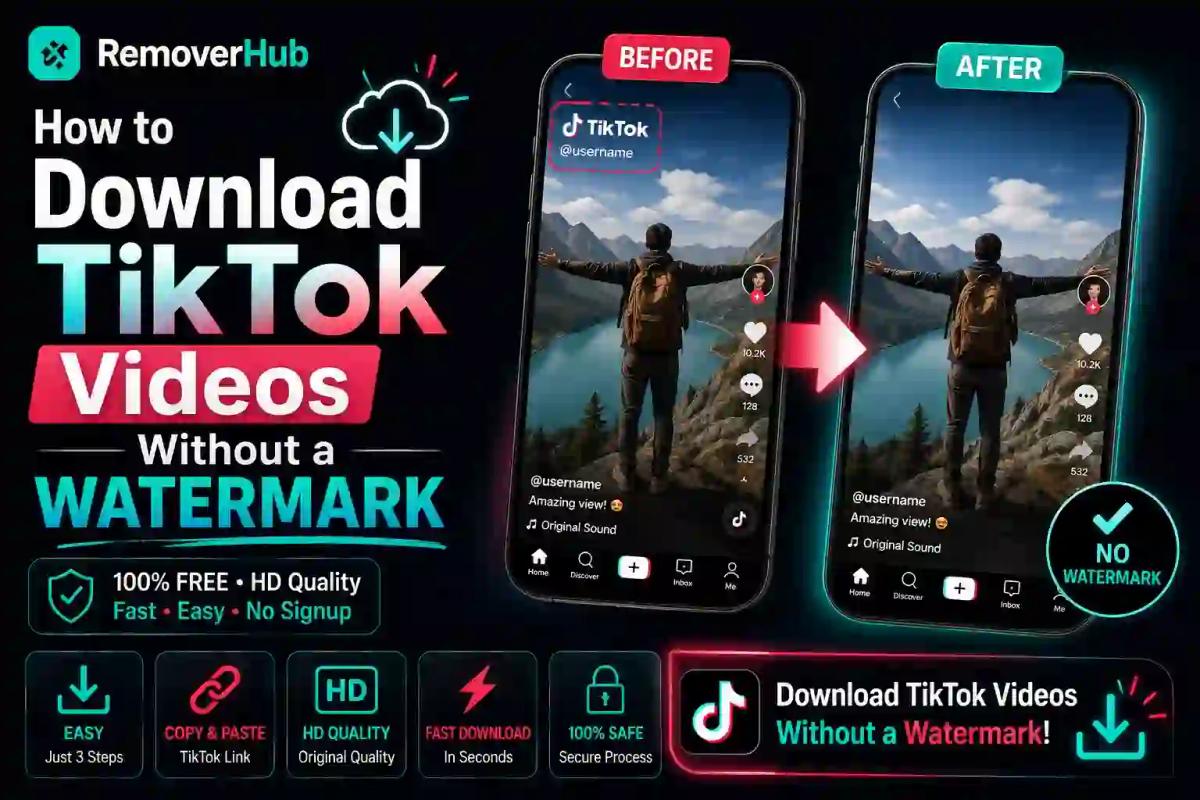
How to Download TikTok Videos Without Watermark
Every TikTok you save straight from the app comes stamped with the username logo spinning in the corner — great for TikTok's branding, annoying if you're repurposing that clip for your own project, presentation, or archive. Here's the good news: getting a clean, watermark-free copy takes less than a minute once you know the right method.
Quick Answer: To download a TikTok video without the watermark, copy the video's share link from the app, paste it into a TikTok downloader tool, and choose the "no watermark" download option. Most tools deliver an HD MP4 file within seconds, no app installation required.
Why TikTok Videos Have a Watermark by Default
- Brand attribution — the spinning logo credits the creator's username
- Content tracking — makes it easier to trace where a clip originally came from if reshared
- Platform promotion — every repost indirectly promotes the TikTok app itself
When you use the app's native "Save Video" option, this watermark is baked directly into the video file. A dedicated downloader tool pulls the original, unmarked version instead.
How to Download TikTok Videos Without Watermark (Step-by-Step)
Open TikTok and find the video you want to download
Tap the Share icon and select Copy Link
Go to a TikTok watermark removal tool
Paste the copied link into the tool's input box
Select the no-watermark HD download option
Save the MP4 file to your device
This process works the same whether you're using a browser-based tool or a dedicated downloader site — the link-paste-download flow is standard across most platforms.
How to Download TikTok Videos Without Watermark on iPhone
Copy the TikTok video link using the Share button
Open Safari and go to your chosen watermark removal tool
Paste the link and tap download
Save the video to your Photos app when prompted
How to Download TikTok Videos Without Watermark on Android
Copy the TikTok video link using the Share button
Open Chrome and go to your chosen watermark removal tool
Paste the link and tap download
The video saves directly to your device's Downloads or Gallery folder
How to Download TikTok Videos Without an App
Most watermark removal tools work entirely in your browser — no app download needed. This is often the fastest option since you skip app store downloads, permissions, and storage space entirely. Just copy the link, paste it into the browser tool, and download.
Comparing Watermark Removal Methods
Browser-Based Tool Best For: Quick, no-install downloads Difficulty: Very Easy Watermark-Free Result: Yes, clean HD export
Downloader App/APK Best For: Frequent, repeated downloads Difficulty: Easy Watermark-Free Result: Yes, but requires install
Chrome Extension Best For: Users who download often while browsing Difficulty: Easy Watermark-Free Result: Yes, integrated into browser
Manual Editing (Crop/Blur) Best For: Videos already saved with watermark Difficulty: Medium Watermark-Free Result: Partial, visible edit marks
If you already saved a video with the watermark baked in and want to clean it up afterward, our guide on removing watermarks from photos and videos walks through post-download editing methods, and our dedicated watermark remover tool handles this more precisely than manual cropping.
Does Downloading Without Watermark Reduce Video Quality?
No — a proper watermark removal tool pulls the original video file directly from TikTok's servers, so quality stays the same as the source upload (typically HD). Quality loss usually only happens with screen-recording methods or heavily compressed downloader tools, which is why using a link-based downloader is the better option.
Can I Download Private TikTok Videos?
No. Watermark removal tools only work on publicly available videos. Private account videos aren't accessible through link-based downloaders since TikTok restricts access to the video URL itself for private content.
Is It Legal to Download TikTok Videos Without Watermark?
This depends entirely on how you use the video afterward.
- Personal use (saving for offline viewing, personal archives) is generally low-risk
- Reposting without credit to the original creator can violate TikTok's terms of service and copyright law
- Commercial use of someone else's content without permission carries real legal risk, regardless of whether the watermark is present
Best practice: If you're repurposing someone else's TikTok content publicly, credit the original creator even after removing the watermark — this keeps you aligned with both platform policy and basic content ownership etiquette.
Expert Guidance
- Always use the Copy Link feature from TikTok's official share menu — this guarantees you're downloading the exact original video, not a re-uploaded or lower-quality copy
- Avoid downloader sites that require app installation or ask for unnecessary permissions — browser-based tools are generally safer and faster
- If you're saving your own content, download without watermark for editing flexibility, then re-add your own branding if needed
- For batches of videos, look for tools that support HD export specifically, since some free tools default to lower resolution
- If your downloaded TikTok video still shows a small watermark artifact, a dedicated logo remover tool can clean up any remaining trace more precisely than manual cropping
Key Facts
- TikTok's native "Save Video" feature always includes the watermark; dedicated downloader tools do not
- Link-based downloads preserve original video quality; screen recordings often don't
- Private account videos cannot be downloaded through standard link-based tools
- Reposting downloaded content without credit can violate TikTok's terms of service
- Browser-based downloader tools typically don't require app installation
Frequently Asked Questions
How do I download a TikTok video without the watermark? Copy the video's share link from the TikTok app, paste it into a watermark removal tool, and download the HD, watermark-free version.
Is it legal to download TikTok videos without watermark? Downloading for personal use is generally fine; reposting without crediting the original creator can violate TikTok's terms and copyright rules.
What is the best free tool to remove TikTok watermarks? Browser-based tools that use the direct video link tend to offer the cleanest, fastest results without requiring an app install.
Can I download TikTok videos without an app? Yes. Most watermark removal tools work entirely through a browser using the copied video link.
Does downloading without watermark reduce video quality? No, as long as you use a link-based tool that pulls the original file rather than a screen recording.
How do I copy a TikTok video link to download it? Tap the Share icon on the video, then select Copy Link from the share menu.
Can I download private TikTok videos? No, private videos aren't accessible through link-based downloader tools due to TikTok's access restrictions.
Why do TikTok downloads include a watermark by default? The watermark credits the original creator and helps track where reshared content originated from.
Conclusion
Downloading a clean, watermark-free TikTok video really comes down to one simple habit: use the Copy Link option instead of the app's built-in save feature. From there, any browser-based downloader tool gets you an HD file in seconds — no app, no quality loss, no hassle.
Want a fast, reliable way to remove watermarks from your saved videos? Explore free tools at RemoverHub to download and clean up your content in just a few clicks.