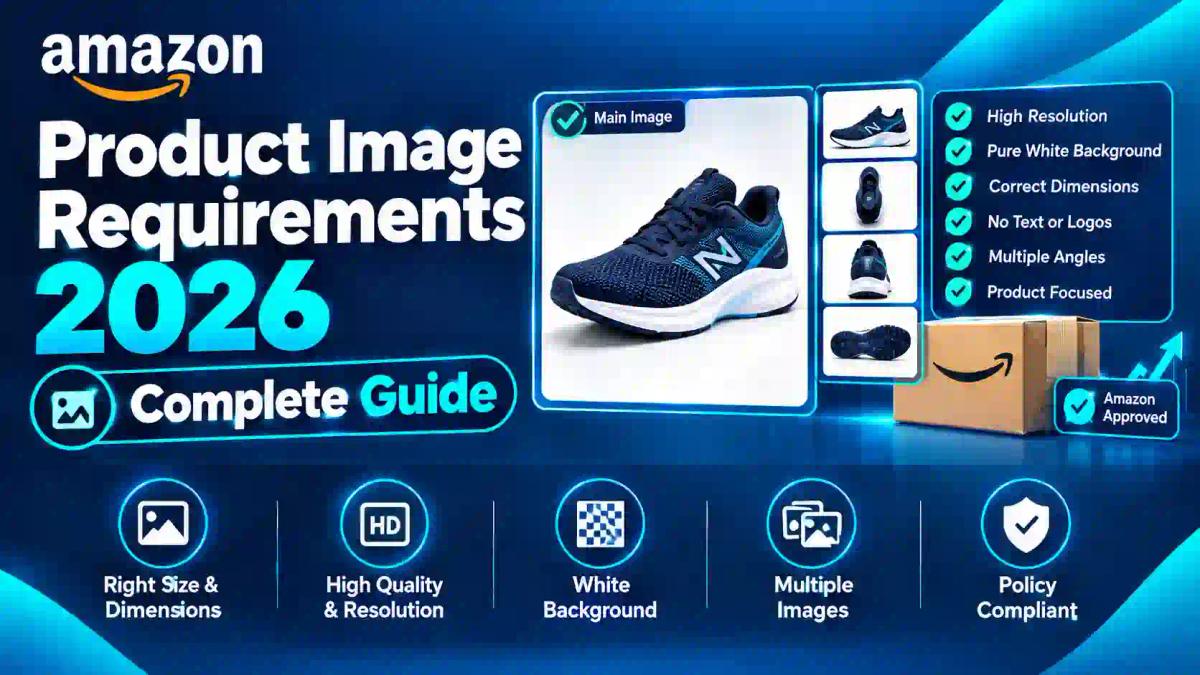
Amazon Product Image Requirements 2026: Complete Guide
If you've ever had an Amazon listing flagged, suppressed, or quietly buried in search results, there's a good chance the culprit wasn't your title or bullet points — it was your main image background. Amazon's image rules are strict, automated, and unforgiving of "close enough" white.
This guide breaks down exactly what Amazon requires for product images, why a proper background remover matters more than most sellers realize, and how to build a repeatable workflow that keeps every listing compliant — whether you're managing five SKUs or five hundred.
What Amazon Actually Requires (It's Not a Separate "FBA Rule")
Here's a distinction worth clearing up first: Amazon doesn't have a standalone "FBA background removal policy." What exists is Amazon's general product image requirements, which apply to every seller — FBA or FBM — uploading a listing image. FBA sellers simply feel the consequences more sharply, because a suppressed listing means fulfillment center inventory sitting idle with no sales velocity.
According to Amazon's own Product Image Requirements documentation, the core technical rules are:
- Images must be between 500 and 10,000 pixels on the longest side
- Accepted formats are JPEG, TIFF, PNG, and non-animated GIF
- Amazon recommends 1,000+ pixels (ideally 1,600–2,000px) so the zoom feature activates
- Images must be clear, with no pixelation or jagged edges
Those are baseline rules for all images. The main image — the one customers see in search results, in ads, and in "Customers also bought" carousels — carries a much stricter set of requirements on top of that baseline.
The Main Image Rule Everyone Gets Wrong: Pure White Means Pure White
This is the single most misunderstood requirement on the platform. Amazon's main image background must be exactly RGB 255, 255, 255. Not off-white. Not cream. Not "it looked white on my monitor."
Sellers photograph products against a white backdrop, a white wall, or a lightbox and assume that's good enough. It usually isn't. Studio lighting almost always introduces subtle shadows, color casts, or gradients into the corners and edges of a "white" photo — and Amazon's automated image scanner checks pixel values, not human perception. A background that reads as 250, 248, 245 in the corners will fail, even though your eyes can't tell the difference.
This is exactly why a dedicated background remover matters more than careful lighting alone. Instead of hoping your studio setup nails pure white in-camera, you isolate the product and replace the background in post-processing with a flat, verified 255,255,255 canvas — removing any risk of that "close but not exact" rejection.
Other Main Image Rules You Can't Skip
Beyond the background, Amazon's main image requirements also specify:
- Product fill: The item must occupy at least 85% of the image frame. A tiny product floating in a sea of white space is a common rejection trigger, even when the background itself is technically compliant.
- No overlays of any kind: No text, logos, watermarks, borders, color blocks, price tags, or promotional badges like "Best Seller." The product name and brand already live in your listing title — repeating them on the image adds visual clutter and violates policy.
- Product shown outside its packaging: Unless the packaging is part of what's being sold (a boxed gift set, for example), the main image should show the actual product, not its retail box.
- No props or unincluded accessories: If the batteries, stand, or charging cable aren't part of the purchase, they shouldn't appear in the main image.
Secondary images have far more flexibility — lifestyle shots, in-context use cases, infographics, and comparison charts are all permitted there. It's only the first "MAIN" slot that Amazon locks down this tightly, which is a distinction covered in more depth in this guide on the best background colors for product photos.
Why Amazon Enforces This So Rigidly
It's tempting to see the pure-white rule as arbitrary, but there's a clear commercial logic behind it. When every seller's main image sits on an identical white canvas, search result grids become visually consistent — shoppers can compare ten products side by side without one competing on flashy graphics instead of product quality. Amazon has publicly stated that images failing these standards may be rejected, removed, or altered by their systems, and non-compliant images can lead to full listing suppression from search, according to Amazon's own image compliance guidance.
That last part is the one sellers underestimate. Suppression doesn't always come with a warning. Amazon's periodic image audits can quietly demote a listing out of search results, and the first sign a seller notices is a sudden drop in impressions — not an email explaining why.
Background Remover Workflow: From Raw Photo to Compliant Listing
Here's a practical, step-by-step process that works whether you're editing one SKU or batch-processing an entire catalog.
Step 1: Shoot on a Clean, Even Backdrop
You don't need a professional studio, but consistent lighting matters. Use diffused, even lighting from at least two angles to minimize harsh shadows on the product itself — this makes the background removal step faster and cleaner. A white or light gray backdrop is fine at this stage since you're not relying on the camera to capture pure white; you'll fix that digitally.
Step 2: Isolate the Product with a Background Remover
Upload your raw photo to a background remover for product photos and let it detect the product's edges automatically. Good AI-based tools handle straightforward shapes (bottles, boxes, tools) almost instantly, while complex edges — fabric, hair-like textures, transparent materials — may need a manual touch-up pass to avoid a "cut-out" look around fine details.
Step 3: Replace the Background with True 255,255,255 White
This is the step that actually creates Amazon compliance. Rather than trusting your original backdrop, drop the isolated product onto a flat white canvas set precisely to RGB 255,255,255. Zoom in on the edges and corners after this step — leftover fringing or a faint gray halo around the product silhouette is the most common reason "cleaned up" images still get flagged.
Step 4: Check Product Fill and Frame Composition
Crop the canvas so the product fills roughly 85–90% of the frame. Too much white space around a small item looks unprofessional and risks the fill-percentage rejection; too tight a crop can clip important product details, especially problematic for apparel or multi-part items.
Step 5: Remove Any Remaining Shadows or Artifacts
Natural product shadows are generally acceptable on Amazon as long as they don't obscure the white background reading as pure white. If your original photo has a shadow with any color cast, a dedicated shadow remover tool can clean that up without flattening the image into an unnatural, floating-object look.
Step 6: Strip Watermarks, Borders, or Accidental Text
If your product photography vendor embeds a studio watermark, or your original image has a border from a stock photography source, run it through a watermark remover before uploading — Amazon's system will suppress the main image slot immediately if any overlay text is detected, no exceptions.
Step 7: Export at the Right Resolution
Save the final image at 1,600–2,000 pixels on the longest side for the best zoom experience, in JPEG format at high quality with minimal compression. Larger isn't always better past this point — oversized files simply slow down upload without meaningfully improving zoom quality, and Amazon caps images at 10,000 pixels regardless.
Step 8: Batch Process for Catalog-Wide Consistency
If you're managing dozens or hundreds of SKUs, editing images one at a time isn't sustainable. A batch background removal workflow lets you apply the same white-background treatment across an entire product line in one pass, which also helps maintain visual consistency across your storefront — something Amazon's Brand Registry tools reward with better A+ Content performance.
Common Rejection Reasons (And How to Fix Each One)
| Rejection Cause | Why It Happens | Fix |
|---|---|---|
| Background isn't pure white | Studio lighting introduces color cast or shadow gradient | Replace background digitally with verified RGB 255,255,255 |
| Product fills too little of the frame | Excess white space around a small item | Crop tighter to hit the 85%+ fill requirement |
| Text or logo visible | Overlaid branding, studio watermark, or price badge | Strip with a watermark remover before upload |
| Image is blurry or pixelated | Low original resolution or heavy compression | Re-shoot or use an HD background remover that preserves detail |
| Product shown in packaging | Box or retail packaging visible in main image | Photograph the unboxed product; save packaging shots for secondary images |
| Props not included in the sale | Stand, charger, or accessory shown but not sold | Remove or crop out anything not part of the actual purchase |
Main Image vs. Secondary Images: What's Actually Allowed Where
A lot of confusion in Amazon seller forums comes from sellers applying main-image rules to every photo in their gallery — or the reverse, assuming secondary images have the same strict white-background requirement. Neither is accurate.
Main image (position 1):
- Pure white background, no exceptions (aside from a handful of category-specific style guide variations)
- No text, graphics, or badges
- Product only, no lifestyle context
Secondary images (positions 2 and beyond):
- Lifestyle backgrounds, in-use context, and styled scenes are all permitted
- Infographics with feature callouts and comparison text are commonly used and generally accepted
- Different angles, size charts, and packaging contents can be shown
The practical takeaway: don't waste effort making your secondary images pure white if your brand strategy benefits from lifestyle photography there. Save the strict white-background treatment for the single image that actually requires it, and use secondary slots to tell a richer visual story — a strategy also covered in this comparison of background removal approaches for Etsy versus Amazon-style marketplaces, since the two platforms treat backgrounds very differently.
Category-Specific Exceptions Worth Knowing
Amazon's baseline image rules apply broadly, but certain categories carry documented exceptions through their individual style guides:
- Apparel: Often permitted to show products on a model or mannequin, provided the background remains pure white.
- Jewelry: May have specific lighting and macro-detail requirements beyond the standard rules.
- Digital products, books, DVDs, and CDs: These are typically exempt from the 85% fill requirement, since cover art often needs to fill the entire frame.
- Large appliances and furniture: Sometimes allowed additional context images showing scale, though the main image still requires the white background.
Because these exceptions genuinely vary by category and can change without much notice, the safest practice is checking your specific category's style guide inside Seller Central before finalizing a batch of images — don't assume a rule that applies to one category automatically applies to yours.
AI Background Remover vs. Manual Photoshop Editing
Sellers frequently ask whether an AI tool is "good enough" compared to manually editing in Photoshop. The honest answer depends on the product type and your volume.
AI background removers work well for:
- Solid, well-defined shapes (bottles, boxes, electronics, tools)
- High-volume catalogs where speed matters more than pixel-perfect precision on every edge
- Sellers without dedicated design staff
Manual editing still wins for:
- Complex textures — fur, hair, mesh fabric, or glass with fine transparency gradients
- Products with reflective surfaces that create tricky edge artifacts
- One-off hero shots where you're willing to spend extra time perfecting a single image
In practice, most successful sellers use a hybrid approach: run the bulk of the catalog through an AI background remover for speed, then manually refine the handful of complex-edge products that need extra attention. This comparison of AI-based tools against traditional Photoshop workflows breaks down where each approach actually saves time versus where it introduces new touch-up work.
Building a Repeatable Compliance Checklist
Before uploading any new main image, run through this quick checklist:
Background verified at exactly RGB 255,255,255 (use a color picker to confirm, don't eyeball it)
Product fills at least 85% of the frame
No text, logos, watermarks, borders, or badges anywhere on the image
Product shown outside retail packaging (unless packaging is the product)
No props, accessories, or add-ons not included in the actual purchase
Image resolution between 1,000 and 10,000 pixels on the longest side
File saved as JPEG, PNG, TIFF, or non-animated GIF
Edges checked for gray fringing or color-cast halos around the product silhouette
Keeping this checklist next to your product photography workflow — or better, building it into a batch-editing routine — dramatically reduces the odds of a mid-campaign suppression that tanks your organic ranking right when a listing is gaining momentum.
Frequently Asked Questions
Does Amazon require a pure white background for every product image?
No — only the main image (the first photo, shown in search results) requires a pure white background at RGB 255,255,255. Secondary images can use lifestyle backgrounds, colored backdrops, or in-context scenes.
Can I use an AI background remover for Amazon product photos?
Yes. AI background removal is widely used by sellers to hit the exact pure-white requirement, as long as the final export is verified at true 255,255,255 and edges are checked for artifacts before uploading.
What happens if my main image isn't compliant?
Amazon's systems may reject, remove, or alter non-compliant images, and can suppress the entire listing from search results until a compliant image is provided.
Can Amazon main images have shadows?
Generally yes, provided the shadow doesn't introduce a color cast that pushes the background away from pure white, and doesn't obscure the product itself.
How large should an Amazon product image be?
Amazon accepts images between 500 and 10,000 pixels on the longest side, but recommends at least 1,000 pixels — ideally 1,600 to 2,000 — so the zoom feature works properly.
Are Amazon image rules different by product category?
Yes, to a degree. Base requirements apply broadly, but individual category style guides can add exceptions or extra rules, particularly for apparel, jewelry, and media products.
The Bottom Line
Amazon's main image requirements aren't complicated once you understand the core rule: exact pure white, product filling most of the frame, zero overlays, and no packaging or unincluded props. What trips sellers up is assuming a "white-looking" studio photo is automatically compliant — it rarely is once Amazon's pixel-level scanner gets involved.
Building a background-removal step into your standard product photography workflow, rather than treating it as an afterthought, is the difference between listings that stay visible and ones that quietly disappear from search after an automated audit. Start by running your next batch of product photos through a background remover built for product listings, verify the white point before you upload, and you'll spend a lot less time troubleshooting suppressed ASINs down the line.