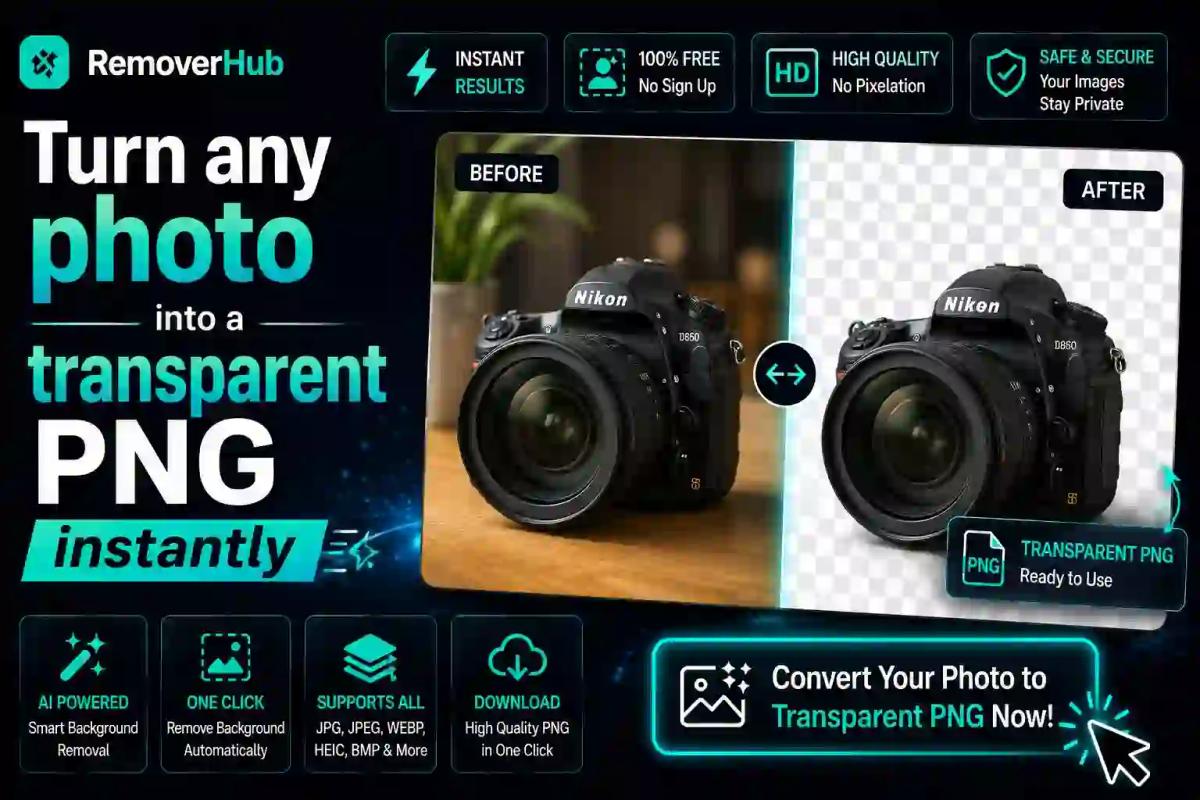
Turn Any Photo into a Transparent PNG Instantly (2026)
Ever tried to place a product photo on your website, only to have an ugly white or gray box sitting behind it? Or maybe you needed a clean logo for a presentation, but every version you had came with a distracting background attached. If you've run into this problem, you're not alone — and the fix is simpler than most people realize.
To turn a photo into a transparent PNG, you upload the image to a background remover tool, let it automatically detect and erase the background, then download the result as a PNG file — the only common image format that supports true transparency. The whole process takes seconds, requires no design skills, and works whether you're editing a product shot, a logo, or a personal photo.
Let's walk through exactly how this works, why PNG is the format that makes it possible, and how to get flawless results every time.
What Does It Mean to Make a Photo "Transparent"?
When people talk about a "transparent image," they mean a picture where the background has been removed so only the subject remains — with nothing but empty space (represented as a checkerboard pattern in most editors) around it. That empty space isn't white or black; it's genuinely see-through, so whatever is placed behind the image shows through naturally.
This is made possible by something called an alpha channel — an extra layer of data in the PNG format that tells your device which parts of the image are fully visible, fully invisible, or somewhere in between (like a soft shadow fading out). JPG files don't have this capability, which is exactly why a "transparent JPG" doesn't exist — if you've ever wondered are JPGs transparent, the answer is no, and PNG is the format built specifically to solve that gap.
Why Transparent PNGs Matter (More Than You'd Think)
At first glance, this might seem like a small technical detail. But transparent backgrounds are quietly essential across almost every type of visual content:
- E-commerce product photos — Marketplaces like Amazon and Shopify often require clean, background-free product images for consistent listings.
- Logos and branding — A logo with a white box around it looks unprofessional on colored backgrounds, slides, or merchandise.
- Social media graphics — Transparent stickers, overlays, and profile pictures blend seamlessly into any post or story.
- Presentations and documents — Removing distracting backgrounds keeps the viewer's focus exactly where it should be.
- Design and print work — Transparent PNGs layer cleanly into posters, banners, and packaging mockups without extra editing.
In short, a transparent PNG isn't just a nice-to-have — it's often the difference between content that looks polished and content that looks like an afterthought.
How to Turn Any Photo into a Transparent PNG Instantly (Step-by-Step)
Here's the exact process using an online background remover tool — no software installation, no design experience needed.
Step — Action
1 — Open a background remover tool in your browser
2 — Upload your photo (JPG, PNG, or WEBP all work)
3 — Let the AI automatically detect and remove the background
4 — Review the result and refine edges if needed
5 — Download the final image as a PNG file
Breaking It Down Further
1. Choose the Right Tool You don't need Photoshop or any paid software for basic background removal. A dedicated online tool like removerhub's AI background remover handles this automatically in your browser, with no account or download required.
2. Upload Your Photo Most tools accept common formats — JPG, PNG, and even WEBP — so you can start with whatever file you already have. There's no need to convert your original image beforehand.
3. Let the AI Do the Work Modern background removers use AI models trained to recognize edges, hair, fur, and fine details — not just simple shapes. This means even complex subjects like pets, people, or intricate product photos usually come out clean without manual masking.
4. Check and Refine the Edges While AI tools are highly accurate, it's worth zooming in on tricky areas — like flyaway hair or transparent objects — to make sure the cutout looks natural. Many tools offer a quick manual touch-up brush for this.
5. Download as PNG This is the step people sometimes miss. Always export as a PNG, not a JPG — saving as JPG will flatten the transparency into a solid white background, undoing all your work.
If you'd like a deeper walkthrough with more visual examples, our related guide on how to make an image transparent online for free covers additional tips for trickier photos.
Why PNG Specifically? (And Not JPG or Other Formats)
This is one of the most common points of confusion, so let's clear it up simply.
JPG (JPEG) is a compressed format designed for photos, but it has no concept of transparency — every pixel must have a solid color. That's why a JPG background is always something, even if it's white.
PNG (Portable Network Graphics) was specifically designed to support an alpha channel, allowing each pixel to have a transparency value from fully opaque to fully invisible. This is what makes a transparent PNG maker actually possible — it's not just about removing color, it's about encoding "no color here" into the file itself.
For a full breakdown of when to use each format, our comparison guide on PNG vs JPG explains which format fits different use cases, from web graphics to print.
Common Situations Where You'll Need a Transparent PNG
Product Listings
If you sell online, a transparent product photo lets you place your item on any background — white for marketplaces, colored for ads, or lifestyle scenes for social media — without reshooting.
Logo Design
A transparent logo can be dropped onto business cards, websites, merchandise, or slide decks without a distracting box around it. This is one of the most searched use cases, and for good reason — a logo that isn't transparent limits where you can use it.
Social Media Graphics
From transparent stickers to profile picture overlays, background-free images are essential for content that needs to sit cleanly on top of other visuals.
Presentations
Whether you're using PowerPoint or Google Slides, inserting a transparent image avoids the awkward white rectangle that appears when a regular JPG is placed over a colored slide background.
Print and Packaging Design
Designers frequently need transparent PNGs to layer product mockups, packaging templates, and promotional materials without background conflicts.
AI Background Removal vs. Manual Editing: What's the Difference?
A few years ago, removing a background meant hours in Photoshop, carefully tracing edges with the pen tool. Today, AI-powered tools have changed that completely.
Method — Speed — Skill Needed — Best For
AI Background Remover — Seconds — None — Most everyday photos, products, logos
Manual Editing (Photoshop/Illustrator) — Minutes to hours — High — Complex, high-precision commercial work
Free vs Paid Online Tools — Seconds either way — None — Free tools suit casual use; paid tools often add HD export and batch processing
Free tools suit casual use; paid tools often add HD export and batch processing
For the vast majority of everyday needs — social posts, product photos, personal projects — AI tools now produce results that are virtually indistinguishable from manual editing, in a fraction of the time.
Does Making a Photo Transparent Reduce Image Quality?
This is a common concern, and the honest answer is: it depends on the tool and export settings, not the process itself. Removing a background doesn't inherently degrade the remaining image — the pixels that make up your subject stay untouched. Quality loss usually happens for one of these reasons:
- Exporting at a lower resolution than your original photo
- Using a tool that compresses the image aggressively during processing
- Starting with a low-resolution or blurry source photo
To avoid this, always start with the highest-resolution version of your photo and use a tool built for HD output, such as removerhub's HD background remover, which preserves detail even in fine areas like hair or fabric texture.
Can You Make a Photo Transparent on Your Phone?
Yes. Since most background remover tools run directly in your browser, you don't need a computer or specialized app. Simply open the tool on your phone's browser, upload the photo from your camera roll, and download the finished PNG directly back to your device. This makes it just as easy to create a transparent product photo or profile picture on the go as it is on a desktop.
Free vs. Paid Background Removal Tools
Most people can get everything they need from a free tool, especially for casual use like social media graphics or personal projects. Paid tools tend to add value through:
- Batch processing (removing backgrounds from multiple images at once)
- Higher resolution export limits
- Additional editing features like shadow removal or edge refinement
- Priority processing speed
If you're working on a one-off image, a free transparent PNG maker will almost always be enough. If you're processing dozens of product photos regularly, a paid plan may save meaningful time.
Tips for Getting the Cleanest Transparent PNG Results
- Use a well-lit original photo — Strong contrast between subject and background helps AI detect edges more accurately.
- Avoid overly similar colors — If your subject and background share very similar tones, edges can be harder to detect cleanly.
- Zoom in before downloading — Quickly check fine details like hair, fur, or transparent materials (like glass) before finalizing.
- Always export as PNG — Never save as JPG if you need to preserve transparency.
- Keep your original file — In case you need to re-edit or use a different background later.
Why Choose removerhub for Transparent PNGs
There are plenty of background removal tools online, but removerhub is built specifically around speed, accuracy, and simplicity — no sign-up walls, no watermarks, and no steep learning curve. Whether you're working with product photos, logos, or personal images, the AI background remover handles the heavy lifting automatically, and the transparent image maker tool is purpose-built for exactly this task — turning any photo into a clean, transparent PNG in seconds.
For more specialized needs, removerhub also offers tools like the background remover for product photos and green screen remover, covering everything from e-commerce to video content.
Frequently Asked Questions
How do I make a photo background transparent for free? Upload your photo to a free online background remover tool, let the AI automatically detect and erase the background, then download the result as a PNG file. No software or design skills are required, and most tools complete this in seconds.
What file format keeps a transparent background? PNG is the standard format for transparency, thanks to its built-in alpha channel. JPG files cannot support transparency, so saving a transparent image as a JPG will replace the transparent areas with a solid white background.
Can I remove a background without using Photoshop? Yes. AI-powered online tools can remove backgrounds automatically in your browser, without needing Photoshop, Illustrator, or any design software installed on your device.
Does making a photo transparent reduce image quality? Not inherently. Quality loss usually comes from low-resolution source images or tools that compress files during processing. Using a high-resolution original and an HD-focused tool preserves detail.
How long does it take to convert a photo into a transparent PNG? With most AI-based tools, the process takes just a few seconds from upload to download, even for detailed images like portraits or product shots with complex edges.
Can I make a photo transparent on my phone? Yes. Since these tools run through your mobile browser, you can upload, process, and download a transparent PNG directly on your phone without needing a computer or dedicated app.
Final Thoughts
Creating a transparent PNG used to require design software and patience. Now, it's a task you can finish in the time it takes to read this sentence — upload, let the AI work, and download. Whether you're prepping product photos for an online store, cleaning up a logo, or building social media graphics, mastering this simple workflow saves time and instantly elevates the look of your visual content.
Ready to try it yourself? Book a seat at Advance Free Tools offered by removerhub and turn your next photo into a crisp, professional transparent PNG in seconds using the transparent image maker.